














Free Interior Design & Architecture WordPress Block Theme - Odoore Studio Lite
Designed for interior designers and architecture studios.

Introducing Odoore Studio Lite
Odoore Studio Lite is a free WordPress block theme for interior designers and architecture studios that want to connect their design approach with a clear presentation of completed spaces. Give your design work room to speak while making your studio and approach easy to understand. Built with Full Site Editing (FSE) and Gutenverse, it gives you a visual starting point that you can adapt to your own brand.
Use Odoore Studio Lite to build on this visual direction. Show the character of your completed spaces, explain your design process, and introduce the people behind your practice. Replace the demo imagery with your own interior or architectural projects. Customize the typography, colors, imagery, and content in the WordPress block editor with Gutenverse, then replace the demo details with your own. This free theme works with the Gutenverse plugin; review the selected demo requirements before importing. The current theme requirements list WordPress 6.5 and Gutenverse 3.7.1.
Who This Theme Is For
Odoore Studio Lite is designed for interior designers and architecture studios. Choose it to show completed spaces and explain an architectural studio's approach. This free Lite edition suits a focused first website built with Gutenverse; review its own demo content before choosing it over the PRO edition.
Pages and Layouts
Odoore Studio Lite provides a free Lite theme starting point to show completed spaces and explain an architectural studio's approach. Shape the available design around a clear opening message, the information your visitors need most, and a useful next step. Use your own images and concise sections to introduce your organisation, explain your offering, and give each part of the page a clear purpose. Adapt the structure to the content you have, keeping related information together and your visual identity consistent throughout. Supporting layouts help you organise information for different visitor needs. Give each additional page a clear role, such as explaining your background, presenting useful information, or helping visitors contact you. Keep headings, navigation, and calls to action consistent so visitors can move through the website comfortably. Customise the available Lite design with the free Gutenverse plugin, and check the layouts included in this edition before planning additional pages or choosing a PRO upgrade.
Things to Know
 Things to Know
A quick overview of the demo content, requirements, customization options, and other details to help you get the most from your setup.
What’s Included in the Import?


The checked Odoore Studio Lite package contains block templates, reusable patterns and theme styles with bundled image assets. Activating the theme makes its templates available; inserting a pattern adds its sample content to the page you are editing. For the design overview, see Pages and Layouts. A separate menu-import file was not found in the checked archive; review or create your navigation in WordPress. The theme supplies its style defaults; importing content does not configure your own logo, contact details or connected services.
Requirements & License
Use Odoore Studio Lite with WordPress and activate Gutenverse and Gutenverse Form. The included Lite design can be used with the free Gutenverse plugins; premium templates and PRO controls require a separate upgrade. See Theme Information for the version requirements and, where applicable, eligible plans. Gutenverse Form provides the form blocks used by this design.
Editing & Customisation
Edit Odoore Studio Lite’s site templates and shared header/footer through Appearance → Editor. Edit the imported page content in the WordPress block editor, then select individual Gutenverse blocks to change their text, imagery, spacing and responsive settings. Update navigation labels and destinations after creating your own pages, configure form recipients and test a submission and adjust post-block queries to show your own articles. Use the controls available in this Lite edition; any premium blocks you add later need their corresponding plugin and access.
Is Odoore Studio Lite Right for Your Website?
Before choosing Odoore Studio Lite, compare the preview with your own text lengths, image proportions and main call to action. Pay particular attention to its design service and project enquiry content when deciding whether to preserve the demo’s visual emphasis or adapt the structure to your content. Prepare project photography in proportions that suit the design, together with clear project descriptions. Estimates, project management and client file exchange require separate tools. Choose the Lite edition for its included design scope; check the PRO preview separately if you need additional premium layouts or controls.
Key Features
- Architecture and interior design presentation
- Completed-space photography and studio storytelling
- Design service and project enquiry content
- Free Lite design editable with Gutenverse blocks

Global Features
Bring your website to life with visual WordPress block editor, flexible layouts, and design controls that help you make it your own.
- Visual WordPress Block EditingBuild and edit pages with Gutenverse blocks in the WordPress editor. See your changes as you shape your website.
- Responsive Layout ControlsFine-tune layouts for desktop, tablet, and mobile to keep your content clear and easy to explore across screen sizes.
- Make It Your BrandPersonalise colours, typography, backgrounds, and spacing to create a consistent look that reflects your business or creative style.
- Easy Template ImportStart with a prebuilt website design, import the available template content, then personalise the text, images, and styling to make it your own. Template availability depends on your theme and plan.
- Flexible Blocks and SectionsCombine and rearrange blocks to present your services, showcase your work, and build pages around the content your visitors need.
- Room to Grow with PROExtend your website with Gutenverse PRO for advanced design controls, dynamic content, and more powerful forms and popup options.
How To Use This Theme
Start building with Odoore Studio Lite and the free Gutenverse plugin. Follow the steps below to install the theme and customise the available design. PRO designs and features are optional upgrades.
- Use the Download button to get Odoore Studio Lite from its available download page. If the theme is listed in the WordPress theme directory, you can also find it under Appearance → Themes → Add New.
- Install and activate the theme. For a downloaded ZIP, go to Appearance → Themes → Add New → Upload Theme, upload the ZIP, and activate it.
- Install and activate the free Gutenverse plugin and any additional plugins recommended by this theme. Gutenverse PRO is only needed if you choose a PRO demo or feature.
- Open the demo importer or template library provided by the theme and Gutenverse. Find the available design for Odoore Studio Lite and review its required plugins before importing.
- If demo import is available, install the plugins listed for that demo, choose the content and settings you need, and start the import. Keep the window open until it finishes. You can also build pages directly with blocks.
- Open Appearance → Editor to customise the site templates, navigation, and styles available in your theme. Edit individual pages under Pages, then replace the sample text, images, and logo with your own.
- Set your homepage and menus, check links and forms, and preview the website on desktop, tablet, and mobile before publishing your changes.
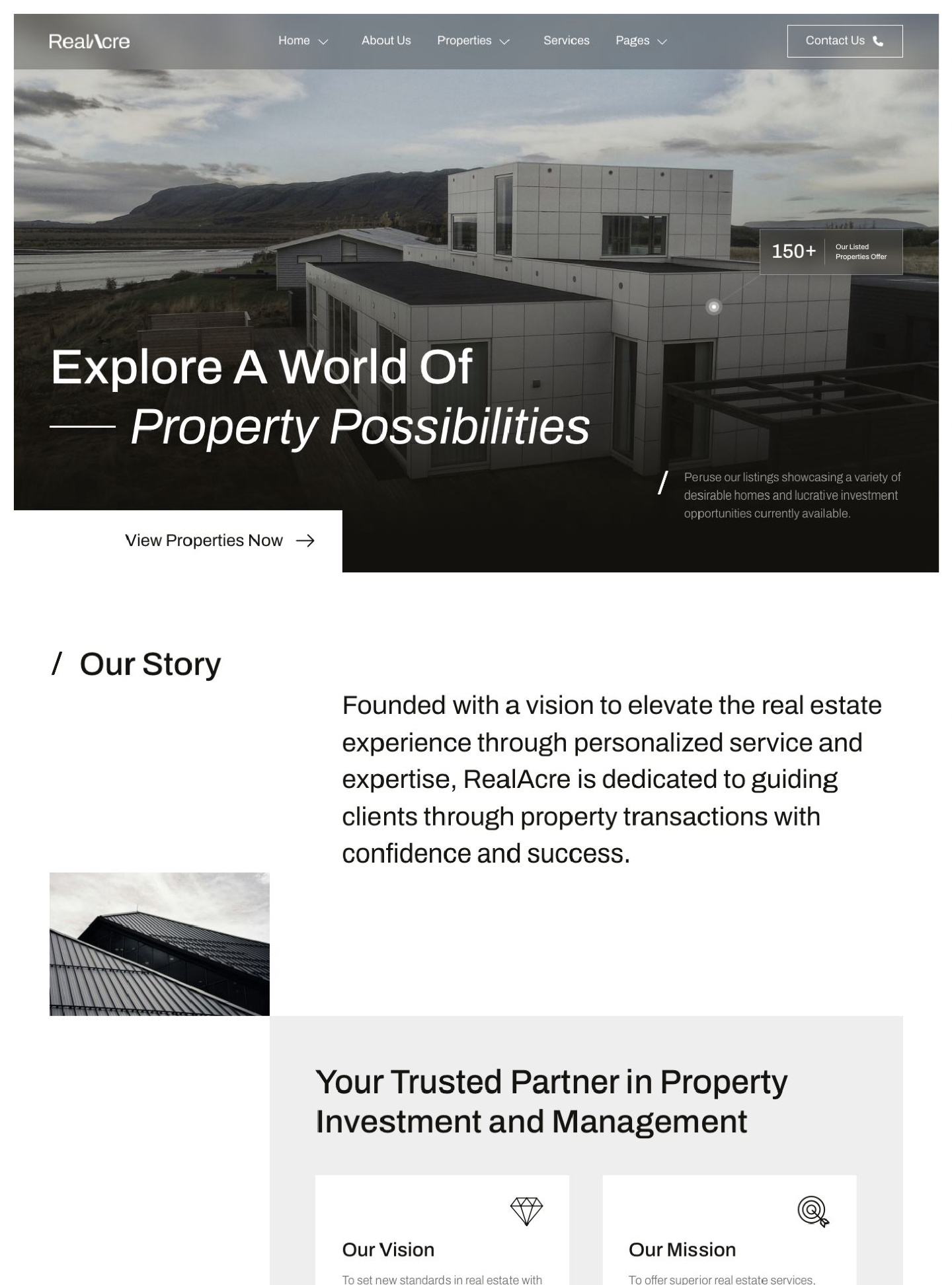


RealAcre is a WordPress block theme for real estate agencies and property businesses, using striking architectural photography and a restrained monochrome design. Present your…
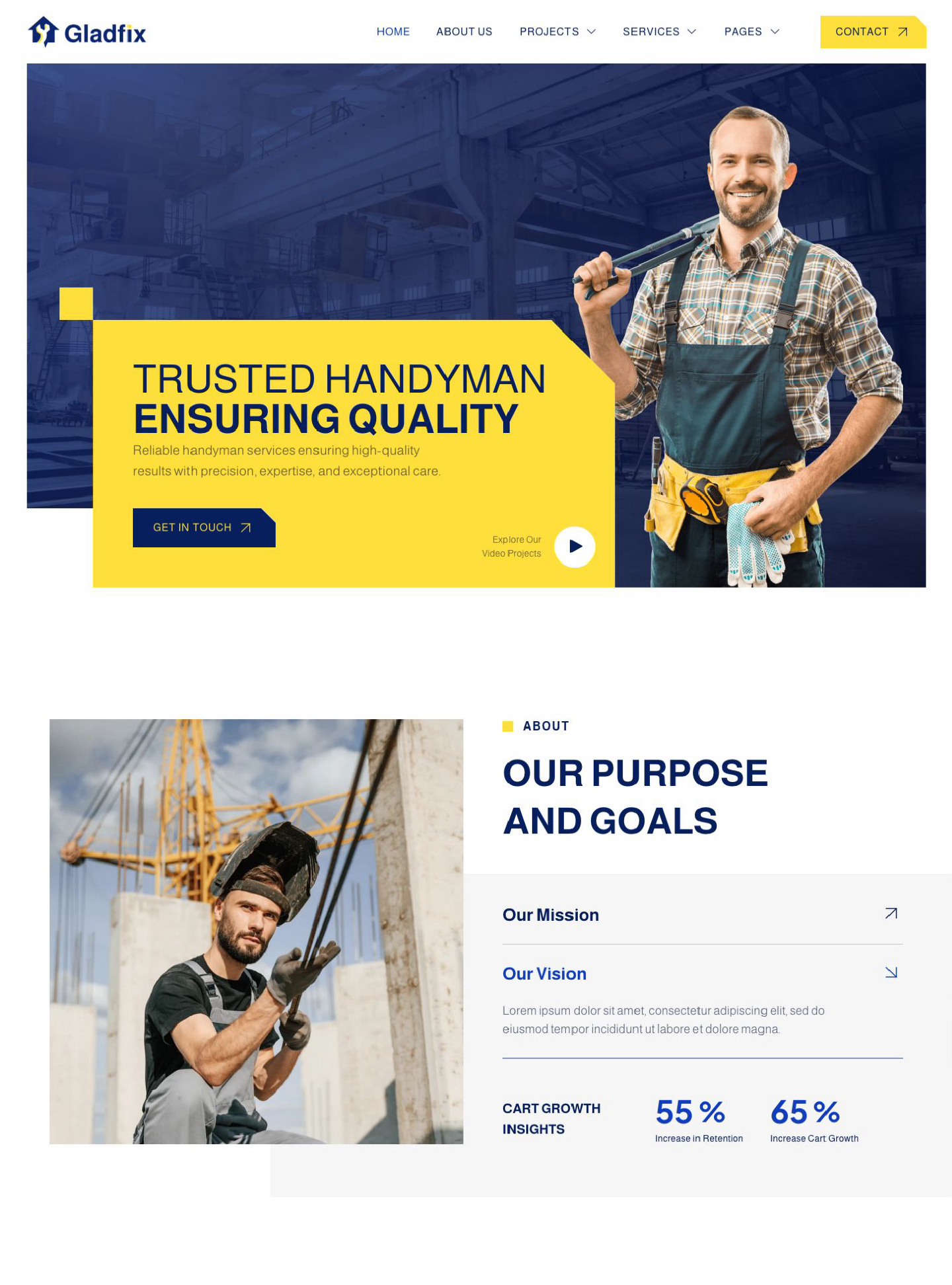
Gladfix is a WordPress block theme for handyman, repair, and home improvement businesses, featuring strong navy and yellow styling and a practical service-focused layout.…
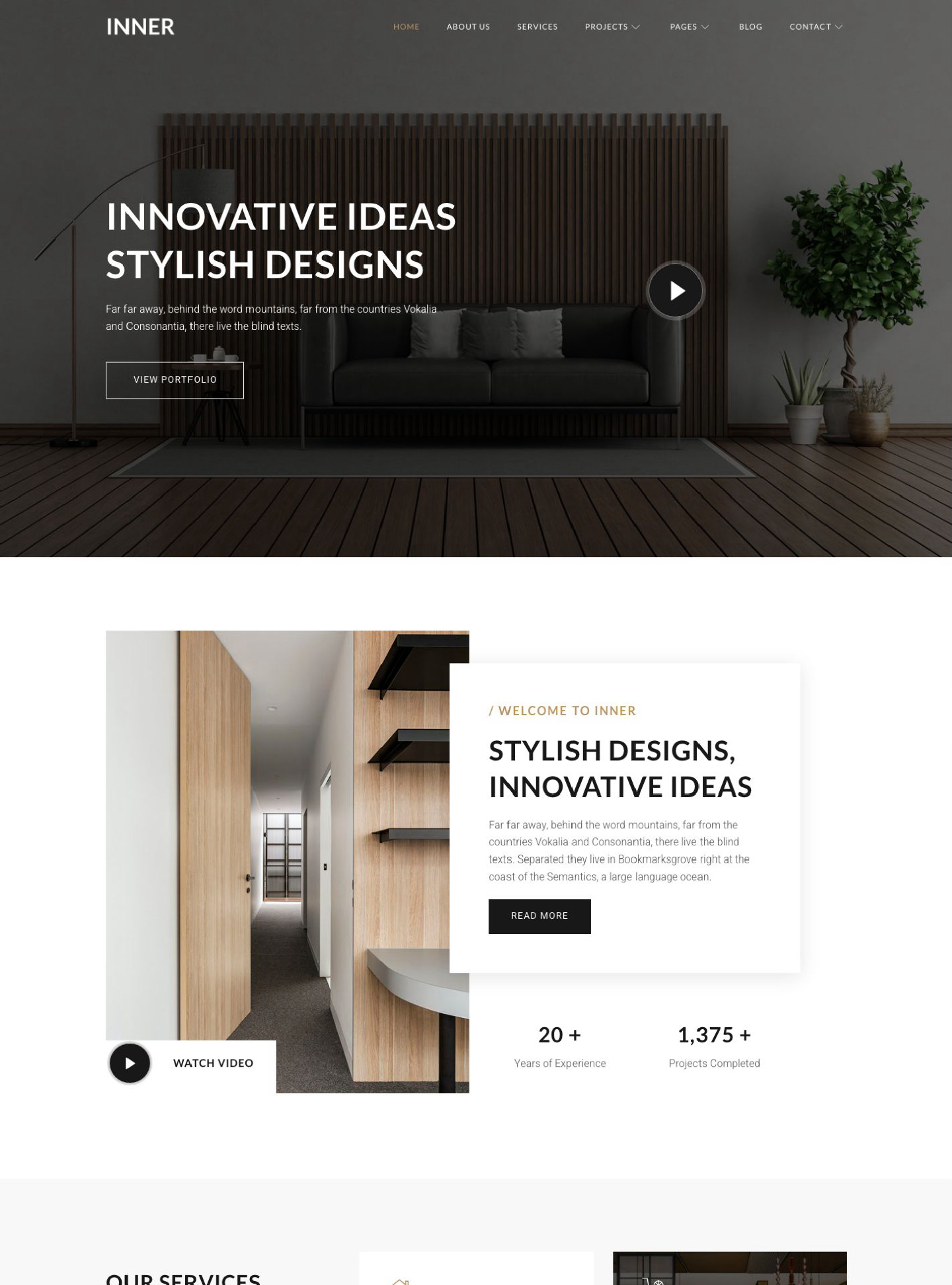
Inner is a WordPress block theme for interior designers and design studios, built around refined room photography, neutral tones, and spacious portfolio layouts. Give…